A free app for Android, by Kisaku.

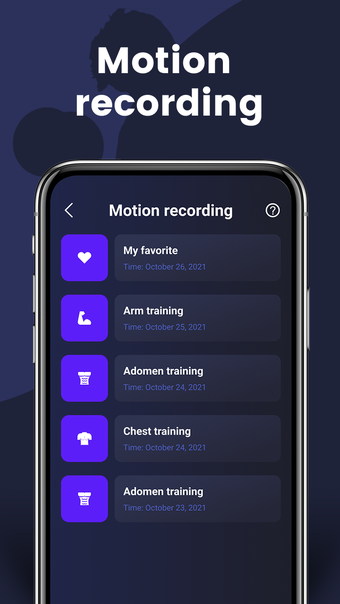
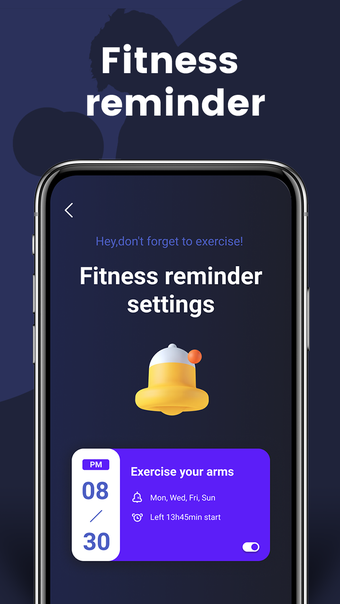
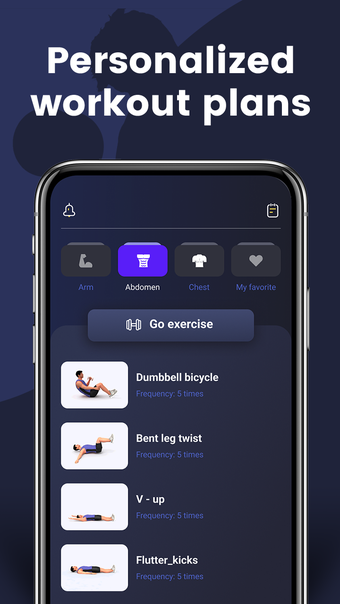
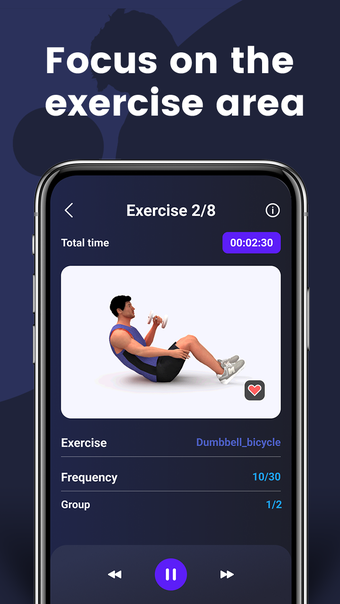
The Workout Timer: Custom Training is an app that lets you create a customized plan that only takes a few minutes to complete. It also includes an alarm that will remind you to work out every day.

You can also use the app to check your progress over time. The app is very easy to use and will be a useful tool for you to stay in shape. It only takes a few minutes to complete a round of training, which is perfect for people who have a lot of free time.
 0/4

App specs

  • License

    Free

  • Version

    18.0

  • Latest update

  • Platform

    Android

  • OS

    Android 13.0

  • Language

    English

  • Downloads

    1

  • Size

    10.99 MB

  • Developer

  • Download Options

    APK, Google Play

  • Filename

    com.workouttimer.dailytraining.custom_18.0.apk

Program available in other languages


User reviews about Workout Timer: Custom Training

Have you tried Workout Timer: Custom Training? Be the first to leave your opinion!

Add review

You may also like

Explore Apps

Latest articles

Laws concerning the use of this software vary from country to country. We do not encourage or condone the use of this program if it is in violation of these laws.
Softonic

Is Workout Timer: Custom Training safe?

87/100

Score result: Warning

This file has been flagged as potentially harmful or containing unwanted bundled software. Please proceed with caution.

  • Virus free
  • Spyware free
  • Malware free
  • Verified by Security Partners

    VirusTotal logo

Scan Info

Last scan
Friday, October 31, 2025
Scan provider
VirusTotal · Full report

File Integrity

File
com.workouttimer.dailytraining.custom_18.0.apk
SHA256
1b494ff52873de4969c03494c1a614588aa4df172907d5ff60ee542e3918c559
SHA1
a215601639f92bc7035f63f74f30874a41ba560c

Softonic security notice

This software has been thoroughly scanned by our advanced security systems and verified by industry-leading partners. However, one or more antivirus engines have flagged this software with potential risks. While these detections may be false positives, we recommend caution when downloading and installing. Some programs may include unwanted software or behaviors that could affect your device. False positives can occur when safe software is mistakenly flagged as harmful due to overly cautious detection rules or algorithms in antivirus tools. This means the program may still be safe to use, but we advise reviewing the details before proceeding.